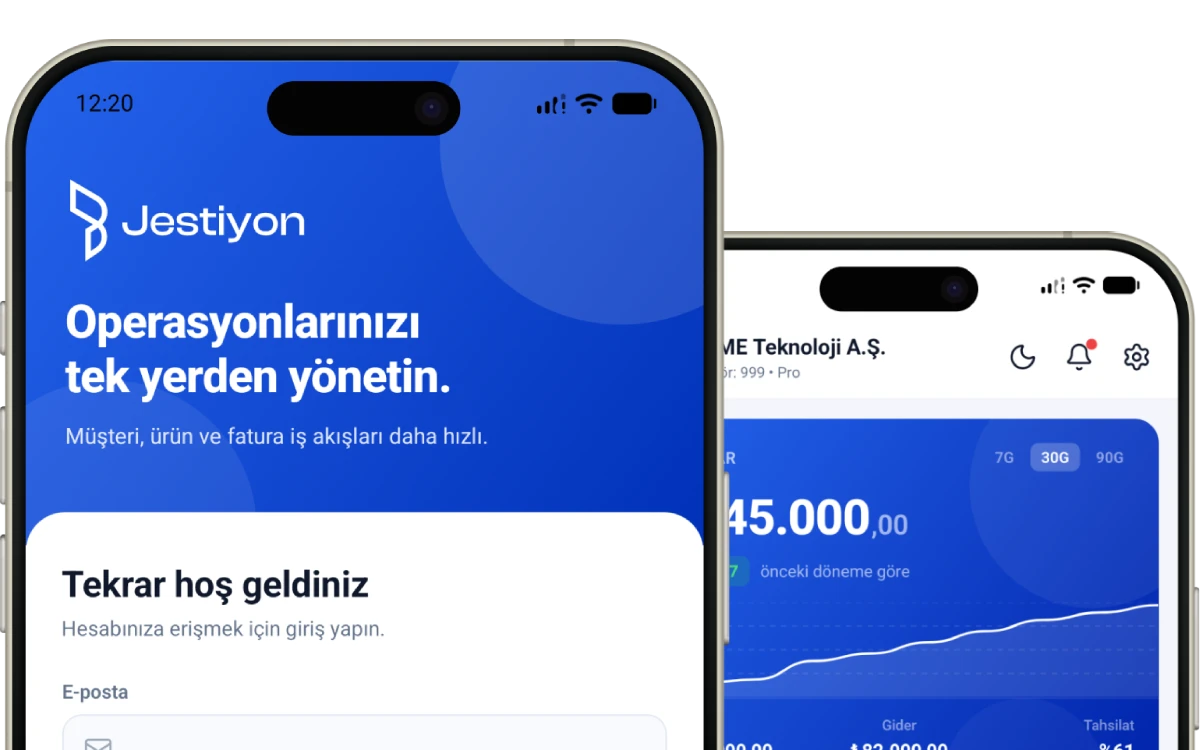
Jestiyon Account Deletion
You can request to delete your Jestiyon account and all personal data associated with it through the Jestiyon mobile app.
How to delete your account?
- Open the Jestiyon mobile app.
- Log in to your account.
- Go to the Profile page.
- Tap on the "Delete Account" option.
- Confirm your account deletion request.
What data will be deleted?
Once your account deletion request is completed, your profile information and personal account data will be deleted or anonymized.
Data that may be retained
Invoice records, accounting records, company records, transaction records, tax records, and other commercial records required to be retained by law may be kept for specific periods under applicable legislation, tax, accounting, fraud prevention, dispute resolution, and compliance obligations.
Need help?
If you cannot access your account or need assistance with account deletion, you can contact us: [email protected]
OTHER POLICIES
Your Company Accounting
Now in Your Pocket